Scam Intelligence
Fraudly Intelligence
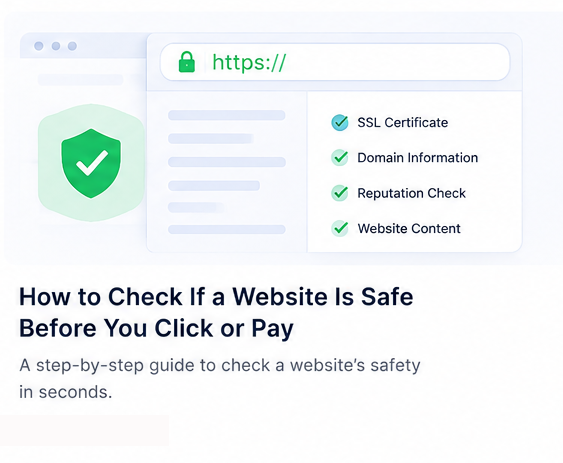
How to Check If a Website Is Safe Before You Click or Pay
HTTPS alone does not mean a site is trustworthy. This guide explains practical checks—technical, reputational, and behavioral—so you can decide whether to trust a link.
Published May 3, 2026 · 4 min read
Whether you received a link by email, SMS, or search ad, the question is the same: is this website safe to use? Safety is not binary. A site can be technically sound yet fraudulent, or rough-looking yet legitimate. Effective verification combines quick human checks with structured signals—domain history, phishing patterns, reputation context, and how the page behaves. Below is a practical workflow you can use in under five minutes, plus what Fraudly’s check if a website is safe tooling adds when you need a second opinion.
HTTPS vs real safety
HTTPS encrypts traffic between your browser and the server. That is important—it reduces simple eavesdropping—but it does not prove who owns the site. Attackers obtain certificates for phishing domains every day. Seeing a padlock should be baseline hygiene, not a green light to enter passwords or payment details.
Check the full hostname carefully. Subdomains can mimic brands (`paypal.security-verify.example.com`). Certificate warnings should be an automatic stop. If a site handles payments or logins, HTTPS is necessary but never sufficient.
Domain age and registration context
Recently registered domains are over-represented in short-lived scams, especially when paired with luxury goods, crypto giveaways, or account “verification” flows. Established businesses usually have continuity—older domains, consistent DNS, and stable hosting. New domains are not automatically malicious, but they warrant extra scrutiny when the offer is high risk.
Scam and phishing indicators
Phishing pages imitate banks, payment providers, delivery firms, and SaaS login screens. Warning signs include urgent language (“account suspended”), requests for unusual credentials (PIN + SMS code together), and branding that almost matches—but not quite—the real domain. Compare the link destination with official apps or bookmarked sites.
For payment-brand targeting, read our guide on common PayPal phishing scams. Use Fraudly’s phishing checker when a message pressures you to act immediately.
Reviews and reputation
Search the domain plus words like scam, refund, or fake. Look for discussions on independent forums and consumer protection sites—not only testimonials hosted on the same domain. Be skeptical of perfect five-star clusters on young shops; see how scammers fake Trustpilot reviews for manipulation patterns.
Trust signals that actually help
- Consistent company identity across About, Terms, and footer
- Support email on the same domain (not only a web form)
- Realistic shipping and returns policies for the product category
- Payment processors you recognize, with checkout on expected domains
- Alignment between social profiles and the website brand
Trust signals can be forged, but absence of basic transparency is informative. Legitimate operators expect questions; scammers optimize for speed.
Suspicious URLs and redirect chains
Hover links before clicking. URL shorteners, look-alike characters, and nested redirects obscure the final destination. On mobile, long-press to preview. If a marketing email links to one domain but checkout jumps to another without explanation, treat that as elevated risk.
Malware and phishing warnings
Browsers and security tools sometimes block known malicious hosts. Heed warnings unless you have a specific, verified reason to proceed. Unexpected download prompts, fake update pop-ups, and “install this codec” messages are classic malware lures—close the tab and scan your device if you interacted.
Public threat intelligence also feeds into automated checks. Fraudly surfaces scam and phishing context where available so you are not relying on appearance alone.
A five-minute safety workflow
When time is short, use a repeatable sequence: (1) inspect the URL character by character; (2) open the site in a private window without extensions that inject coupons; (3) search the domain plus scam or refund; (4) verify company details and payment method; (5) run an automated trust check and read the explanation, not only the score. Document the domain if you are buying on behalf of family or a small business—future you will appreciate the paper trail if something fails.
High-value purchases deserve a cooling-off period. Sleep on it unless the transaction is truly time-sensitive through an official channel you initiated. Scammers depend on emotional speed; your advantage is patience.
What Fraudly analyzes
Fraudly aggregates public trust and risk signals for a URL: technical checks, reputation hints, scam-feed matches, and consumer-readable explanations. It is designed for shoppers, professionals, and anyone vetting an unfamiliar link—not as legal advice or a guarantee, but as structured context before you pay or log in.
Run a check from the homepage, explore latest public checks, or open the dedicated online scam detector landing page. Pair automated output with your own judgment and official channels for high-stakes decisions.
If you operate an online store, buyers may check you the same way—transparency reduces friction. If you shop, the goal is simple: confirm the site matches who it claims to be before credentials or money leave your hands.
Related Fraudly resources
- Stay Safe OnlineClear answers on website trust, phishing, fake shops, and safer payments—tied to Fraudly’s checkers.
- Check a websitePaste a URL for a free trust check on websites and online stores—scam signals with plain-language context.
- What to do after a scamPractical steps and official reporting links if you think you were scammed online.
- Spot a fake online storeLearn warning signs of copycat shops—discount hype, thin policies, and trust red flags.
- Scam awareness certificateTest your scam detection skills and earn a shareable Fraudly certificate.
- Fraudly PremiumScreenshot analysis, QR code checks, Deep Scan, and Live Protection — one Premium on Website, iPhone, Android, Chrome, and Edge. URL checks stay free.
Recent website safety checks
Real public trust snapshots from Fraudly—open a full report for any domain.
Related intelligence
More consumer protection and threat awareness guides from Fraudly Intelligence.
 Scam Intelligence
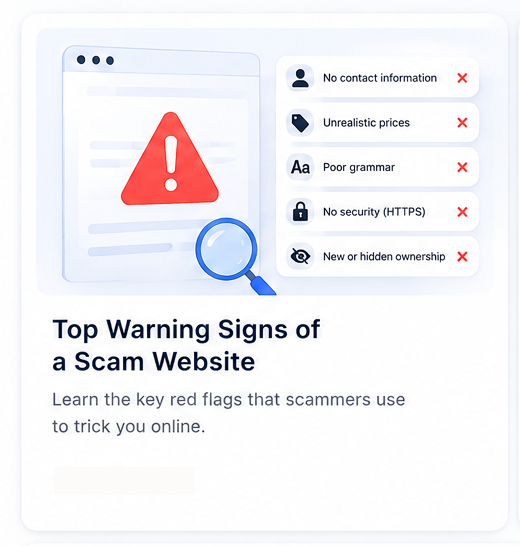
Top Warning Signs of a Scam Website
Use this checklist of scam website red flags before you pay or log in—from domain age and discount traps to suspicious checkout flows and redirect scams.
4 min read →
 Threat Awareness
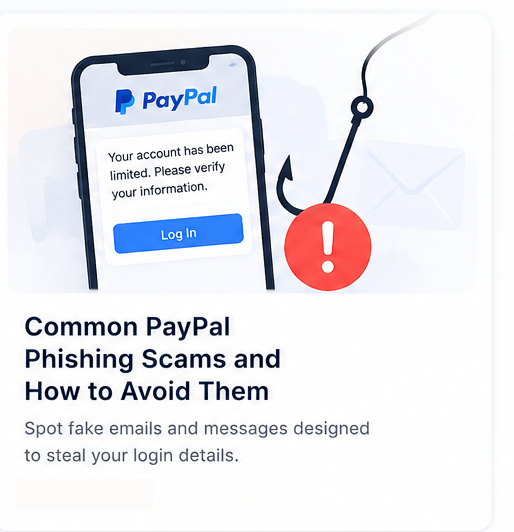
Common PayPal Phishing Scams and How to Avoid Them
PayPal remains one of the most impersonated brands online. Learn how modern phishing campaigns work and how to verify links before you sign in.
4 min read →
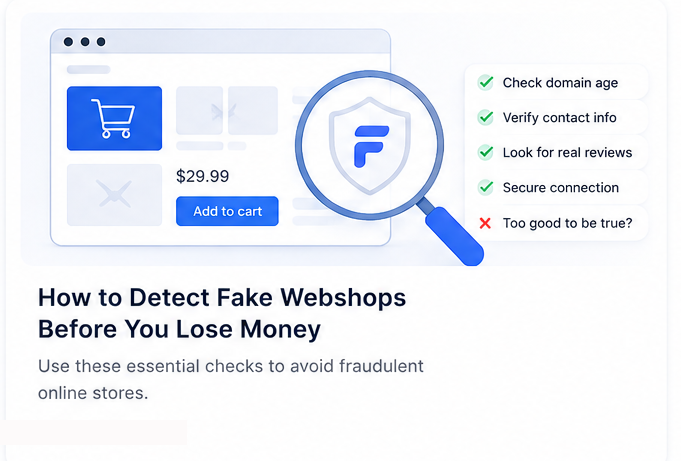 Consumer Safety Guide
How to Detect Fake Webshops Before You Lose Money
Fake online shops steal billions each year. This guide explains the clearest warning signs—from discount traps to copycat branding—and how to verify a store before checkout.
5 min read →