Scam Intelligence
Fraudly Intelligence
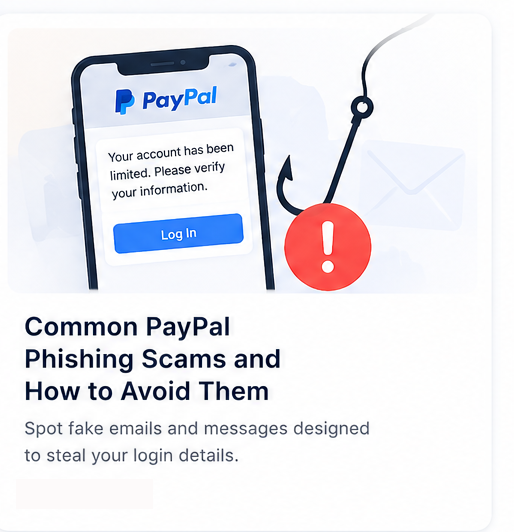
Common PayPal Phishing Scams and How to Avoid Them
PayPal remains one of the most impersonated brands online. Learn how modern phishing campaigns work and how to verify links before you sign in.
Published May 5, 2026 · 4 min read
PayPal phishing scams succeed because they hijack trust in a familiar brand. Attackers copy login layouts, reference recent transactions you may or may not recognize, and create urgency so you act before thinking. The goal is usually credential theft—username, password, and sometimes payment instruments or two-factor codes. This article explains the most common variants, how to spot them, and how to verify suspicious websites with Fraudly before you enter any details.
Fake PayPal login pages
Fake login pages mirror PayPal’s design closely. They may be hosted on compromised WordPress sites, newly registered domains, or cloud storage pages wrapped in redirects. The tell is almost always the URL: only `paypal.com` and documented regional subdomains are legitimate for account access. Anything like `paypal-secure-login.net` or `paypa1-verify.shop` is fraudulent.
Never authenticate through links in unsolicited messages. Open the PayPal app or type the address yourself. If you already submitted credentials on a suspicious page, change your password from a clean device and review account activity immediately.
Email phishing
Email lures often claim unauthorized transactions, shipping confirmations for items you did not buy, or policy violations. They include branded headers and footer boilerplate copied from real messages. Check the sender domain—not just the display name—and inspect link destinations before clicking.
- Generic greetings (“Dear Customer”) alongside urgent threats
- Attachments you did not request (invoices, HTML files)
- Buttons that link to domains unrelated to PayPal
- Spelling errors in security-critical instructions
SMS phishing (smishing)
Text messages compress decision time: “Payment of €482 pending—tap to cancel.” Mobile screens hide full URLs, making smishing especially effective. Do not tap; open PayPal independently. Report smishing to your carrier and national fraud reporting channels where available.
Urgent verification scams
“Verify within 24 hours or your account will be limited” is a pressure script designed to bypass skepticism. Real account issues are visible inside the official app without secret links. Scammers also ask for photos of ID cards, cards, or SMS codes—legitimate providers do not request full card images by email.
How scammers steal credentials
Classic phishing captures email and password on a fake form. Advanced flows add fake 2FA prompts, reverse-proxy kits that relay your real OTP to the attacker session, or follow-up calls pretending to be fraud departments. Once inside, criminals send money, buy goods, or harvest stored payment methods.
Marketplace scams sometimes combine PayPal branding with fake buyer/seller messages—always confirm payment status inside PayPal itself, not via screenshots sent in chat.
Warning signs to remember
- Links that do not resolve to an official PayPal domain
- Requests for passwords, PINs, or authenticator codes by message
- Threats of instant closure unless you act immediately
- Payments to personal accounts for “buyer protection” myths
- Checkout pages that mention PayPal but redirect elsewhere
Marketplace and invoice variants
Beyond login pages, criminals send fake invoices and shipping labels through marketplaces and classifieds sites. The message claims a buyer paid via PayPal and includes a link to “claim” funds. The link leads to a fake form requesting card details or an “upgrade” fee. Real PayPal transactions appear in your account when you log in directly—never through a third-party link sent in chat.
Another variant impersonates merchant services, threatening to hold payouts until you “re-verify” business details. Small sellers under time pressure are frequent targets. Keep a written checklist: log in via the app, compare transaction IDs, and call support using the number on PayPal’s official site—not a number in the email.
If you already clicked
Change your password immediately from a device you trust, enable strong two-factor authentication, and review connected email accounts. Check for auto-forwarding rules attackers add to hide password resets. Notify your bank if you entered card data. Report phishing to PayPal through official reporting forms and to national cybercrime portals where you live.
Screenshot the phishing URL and message for reports, but do not revisit the page unnecessarily. Sharing indicators helps platforms block campaigns faster.
How to verify suspicious websites
Copy the link target (long-press or “copy link address”) and paste it into Fraudly’s free checker. Review trust and phishing context, then compare with official channels. Explore related examples on latest checks to see how impersonation domains appear in public scans.
For general verification habits—HTTPS limits, reputation, malware warnings—read how to check if a website is safe. For storefront fraud that mentions PayPal at checkout, see how to detect fake webshops.
Stay informed via scam alerts when new PayPal-themed campaigns spike. Fraudly is informational, not affiliated with PayPal—but it helps you decide whether a URL deserves your credentials.
Related Fraudly resources
- Stay Safe OnlineClear answers on website trust, phishing, fake shops, and safer payments—tied to Fraudly’s checkers.
- Check a websitePaste a URL for a free trust check on websites and online stores—scam signals with plain-language context.
- What to do after a scamPractical steps and official reporting links if you think you were scammed online.
- Spot a fake online storeLearn warning signs of copycat shops—discount hype, thin policies, and trust red flags.
- Scam awareness certificateTest your scam detection skills and earn a shareable Fraudly certificate.
- Fraudly PremiumScreenshot analysis, QR code checks, Deep Scan, and Live Protection — one Premium on Website, iPhone, Android, Chrome, and Edge. URL checks stay free.
Recent website safety checks
Real public trust snapshots from Fraudly—open a full report for any domain.
Related intelligence
More consumer protection and threat awareness guides from Fraudly Intelligence.
 Scam Intelligence
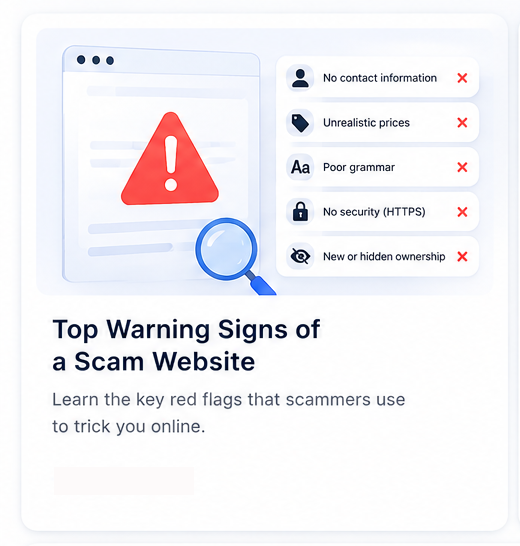
Top Warning Signs of a Scam Website
Use this checklist of scam website red flags before you pay or log in—from domain age and discount traps to suspicious checkout flows and redirect scams.
4 min read →
 Fraud Prevention
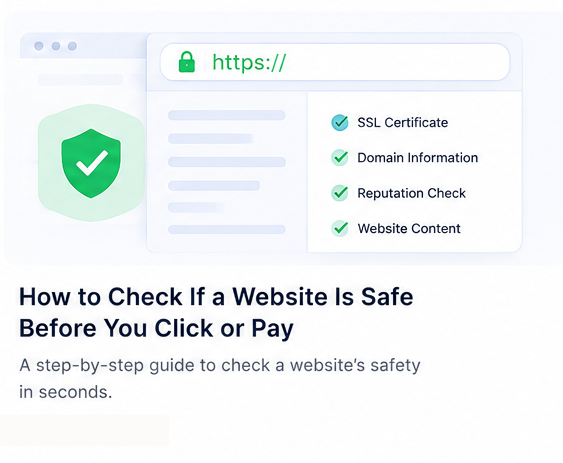
How to Check If a Website Is Safe Before You Click or Pay
HTTPS alone does not mean a site is trustworthy. This guide explains practical checks—technical, reputational, and behavioral—so you can decide whether to trust a link.
4 min read →
 Consumer Safety Guide
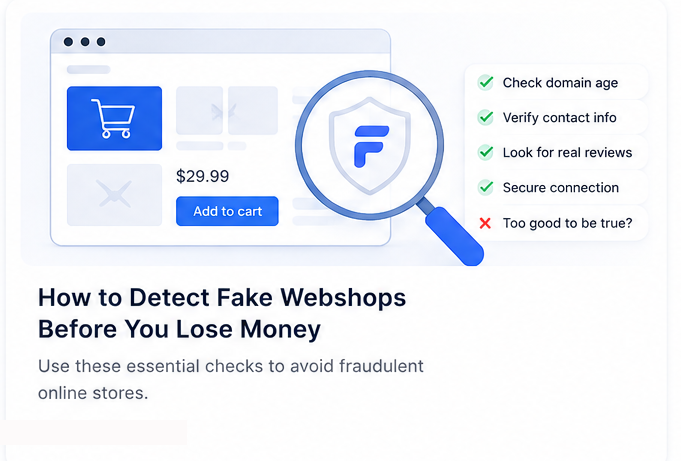
How to Detect Fake Webshops Before You Lose Money
Fake online shops steal billions each year. This guide explains the clearest warning signs—from discount traps to copycat branding—and how to verify a store before checkout.
5 min read →